

E-commerce creativity, one step ahead
From image editing and video generation to publishing across platforms, bring your next product idea to life faster.
Available for Windows · macOS





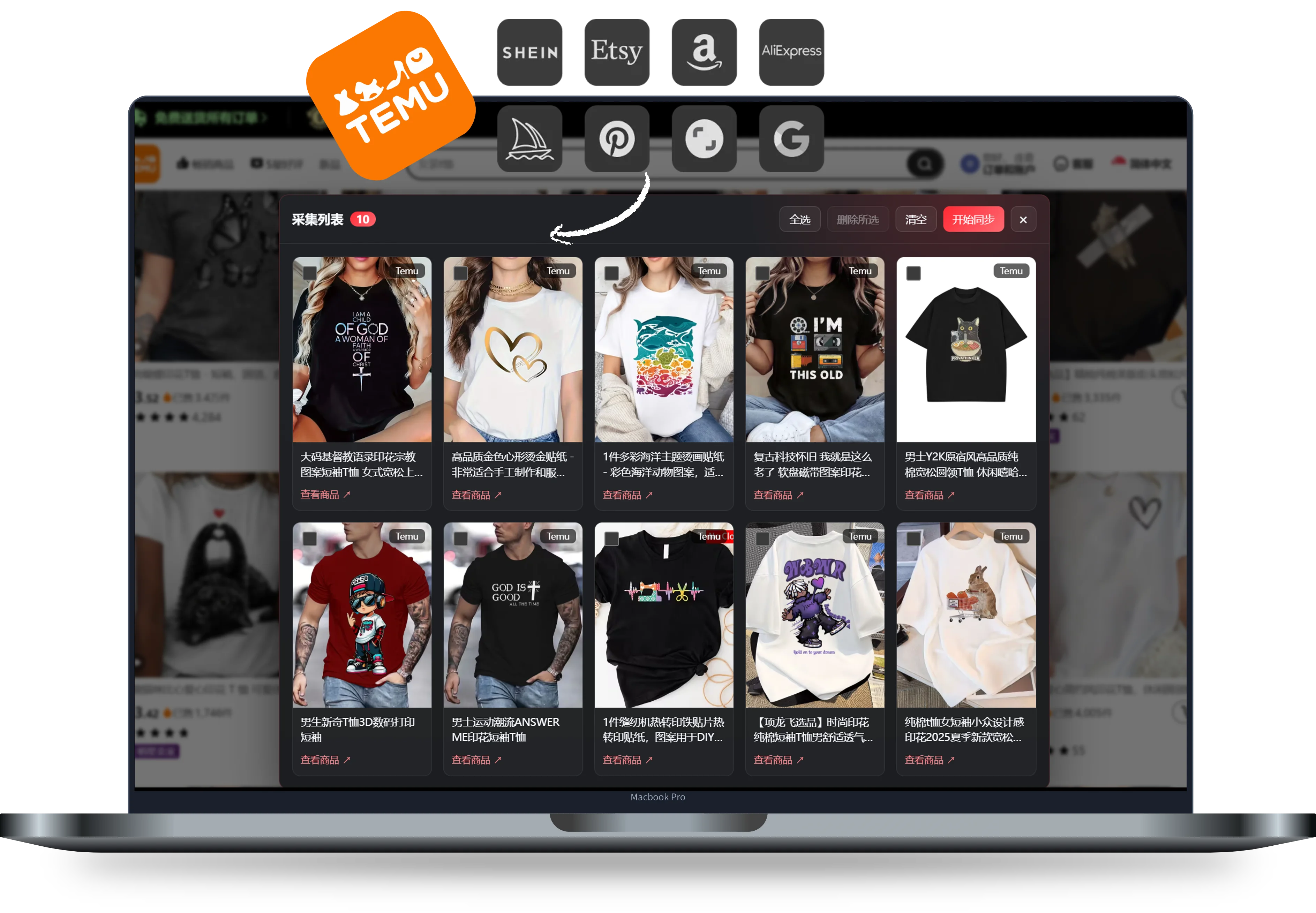
Bulk product collection
Collect assets from major e-commerce platforms and keep inspiration close at hand.
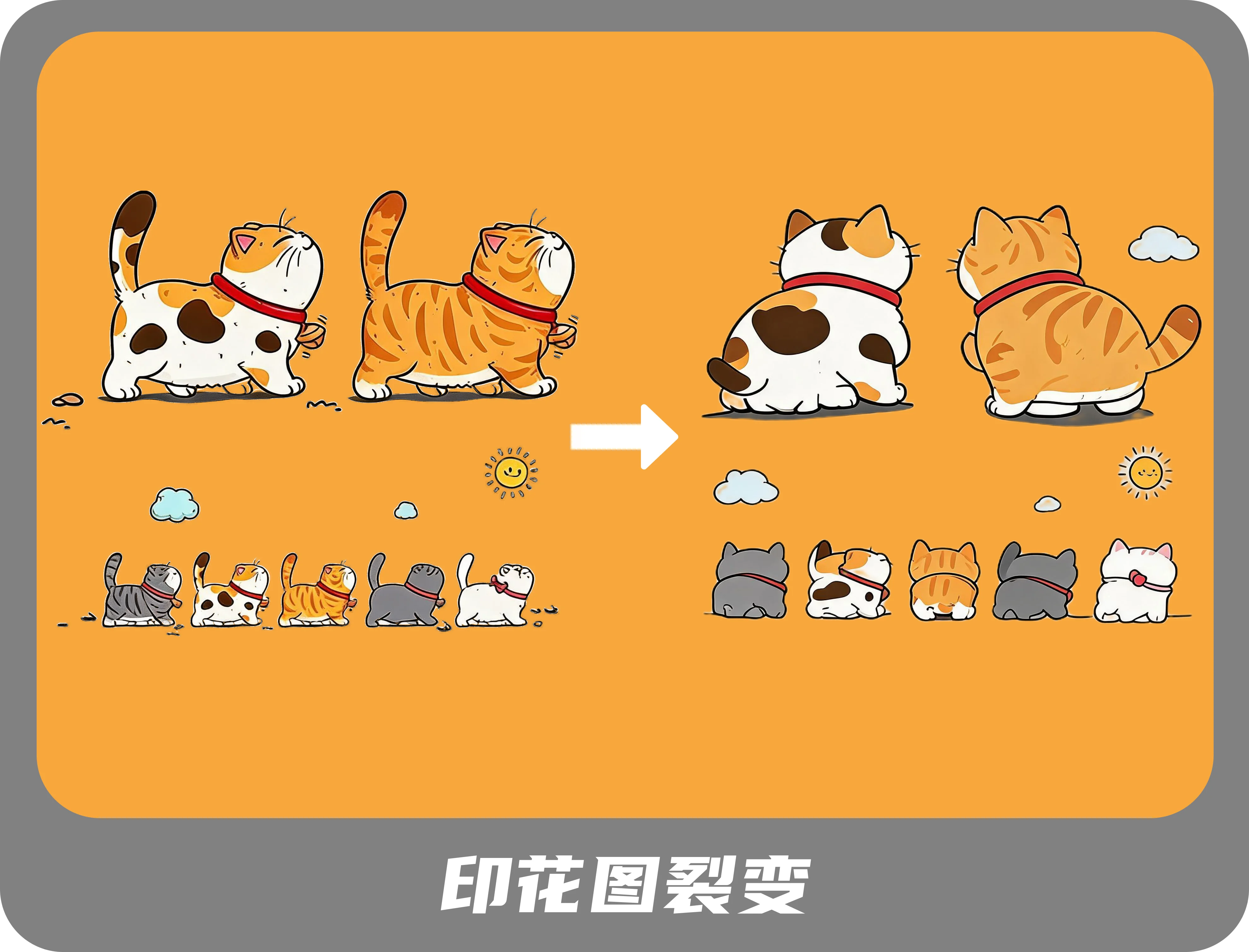
Print variations
Create new print variations from a product image or print asset in one click, without writing prompts.
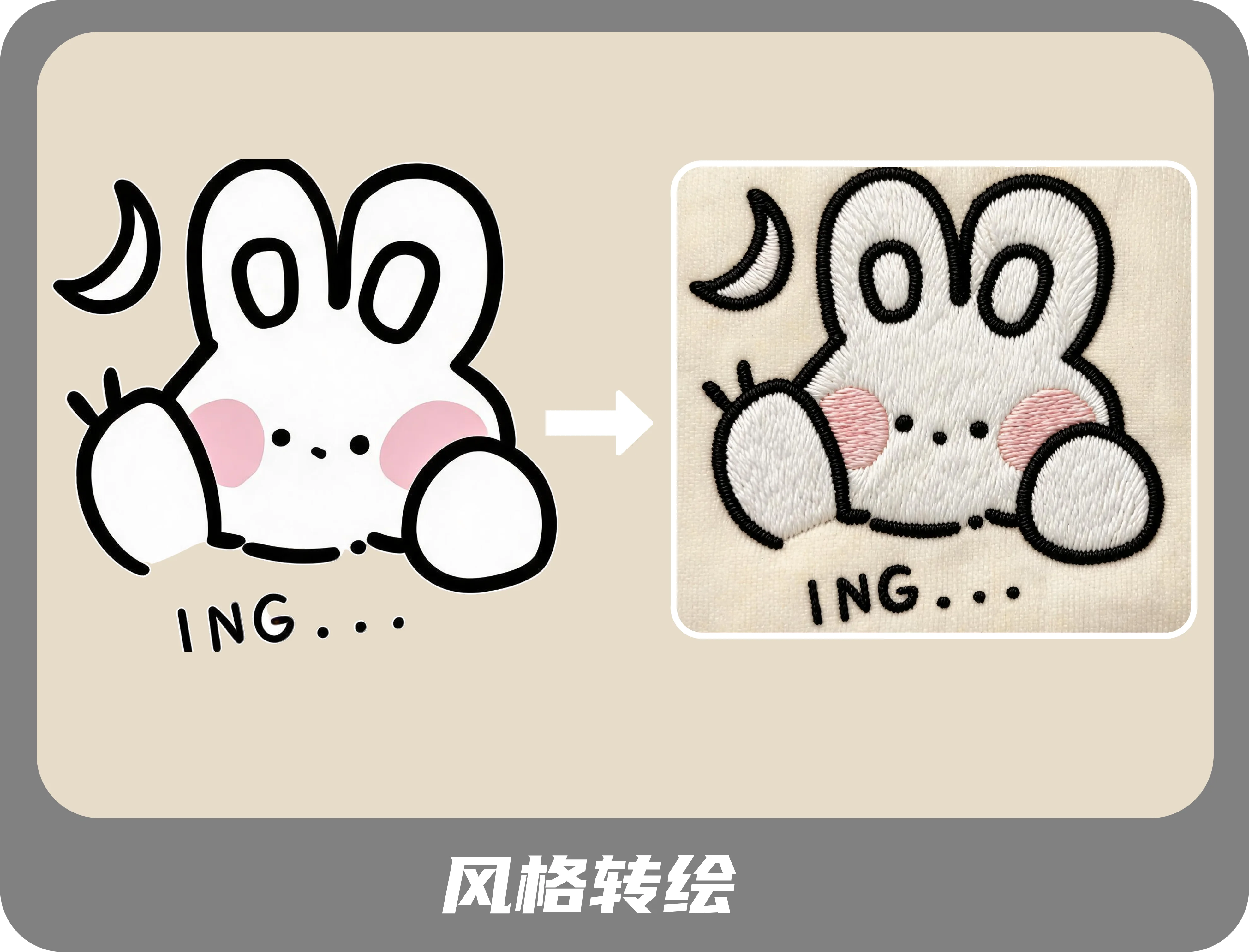
Local image editing
Edit details, recolor products and transform print styles to differentiate your products and prepare them for review.
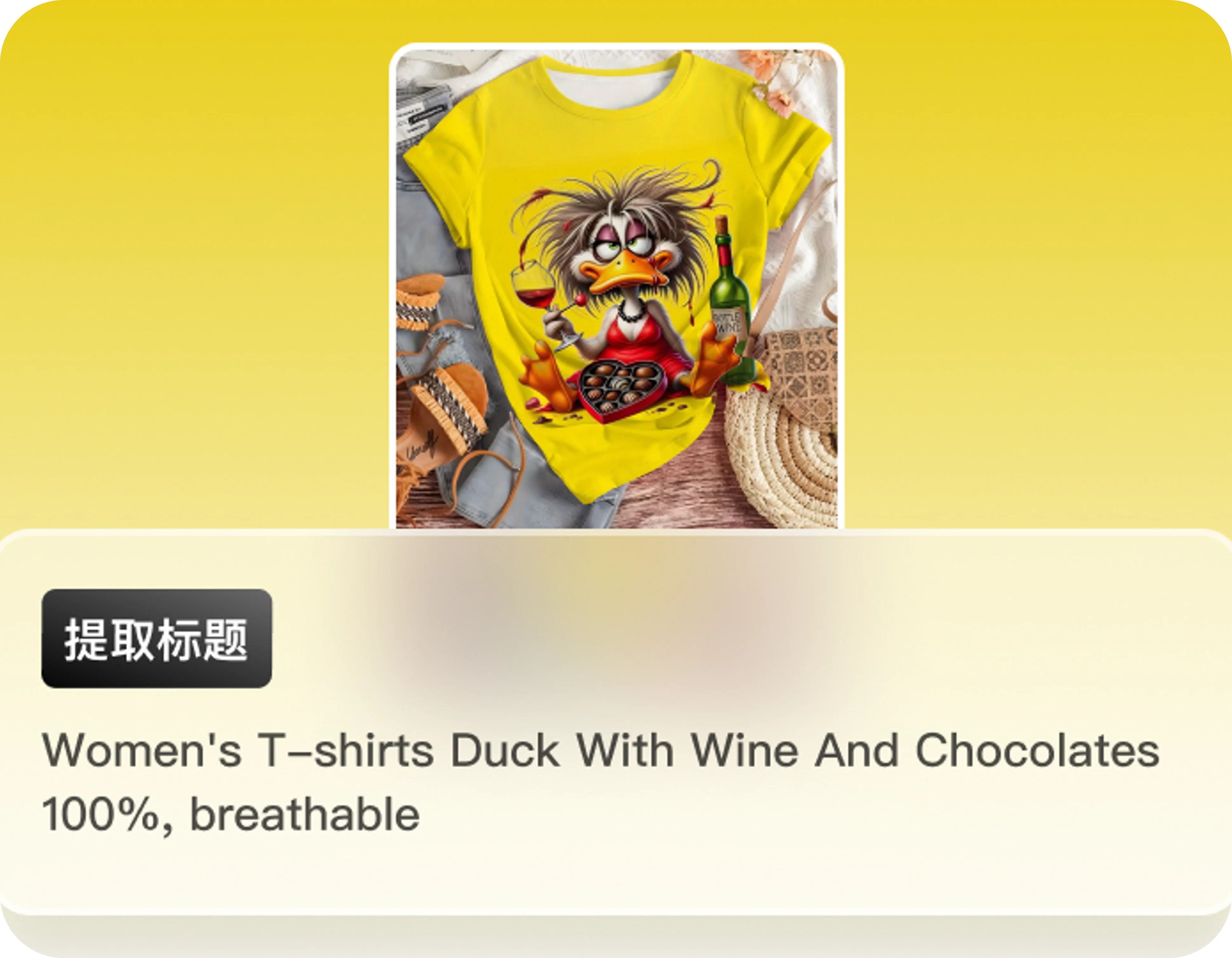
Title extraction
Extract key information from product assets and turn it into usable product titles.
Promotional videos
Combine your product assets with a reference video to generate promotional short videos.

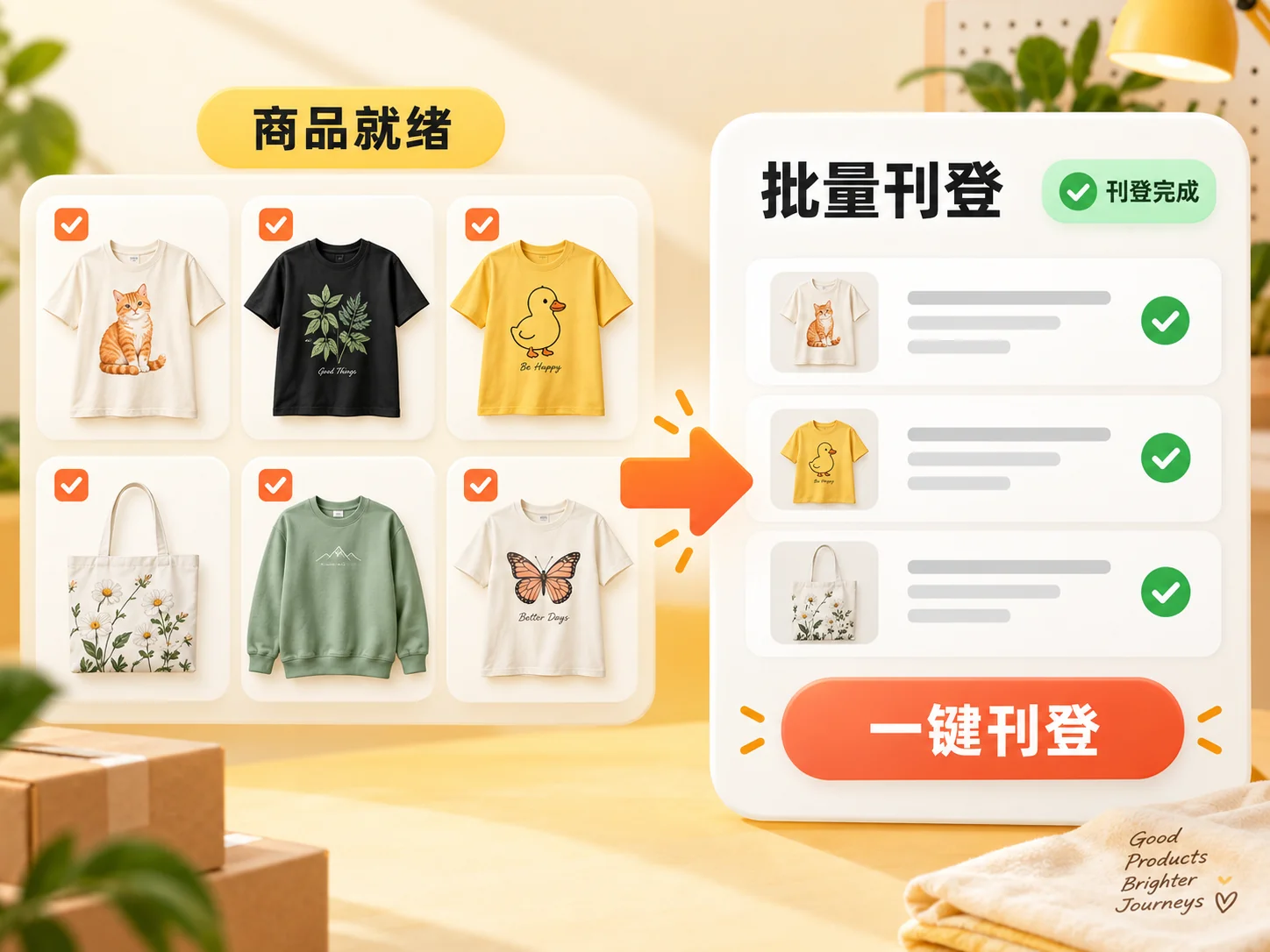
Bulk listing
Complete required product details for each channel and publish in batches with fewer repetitive steps.
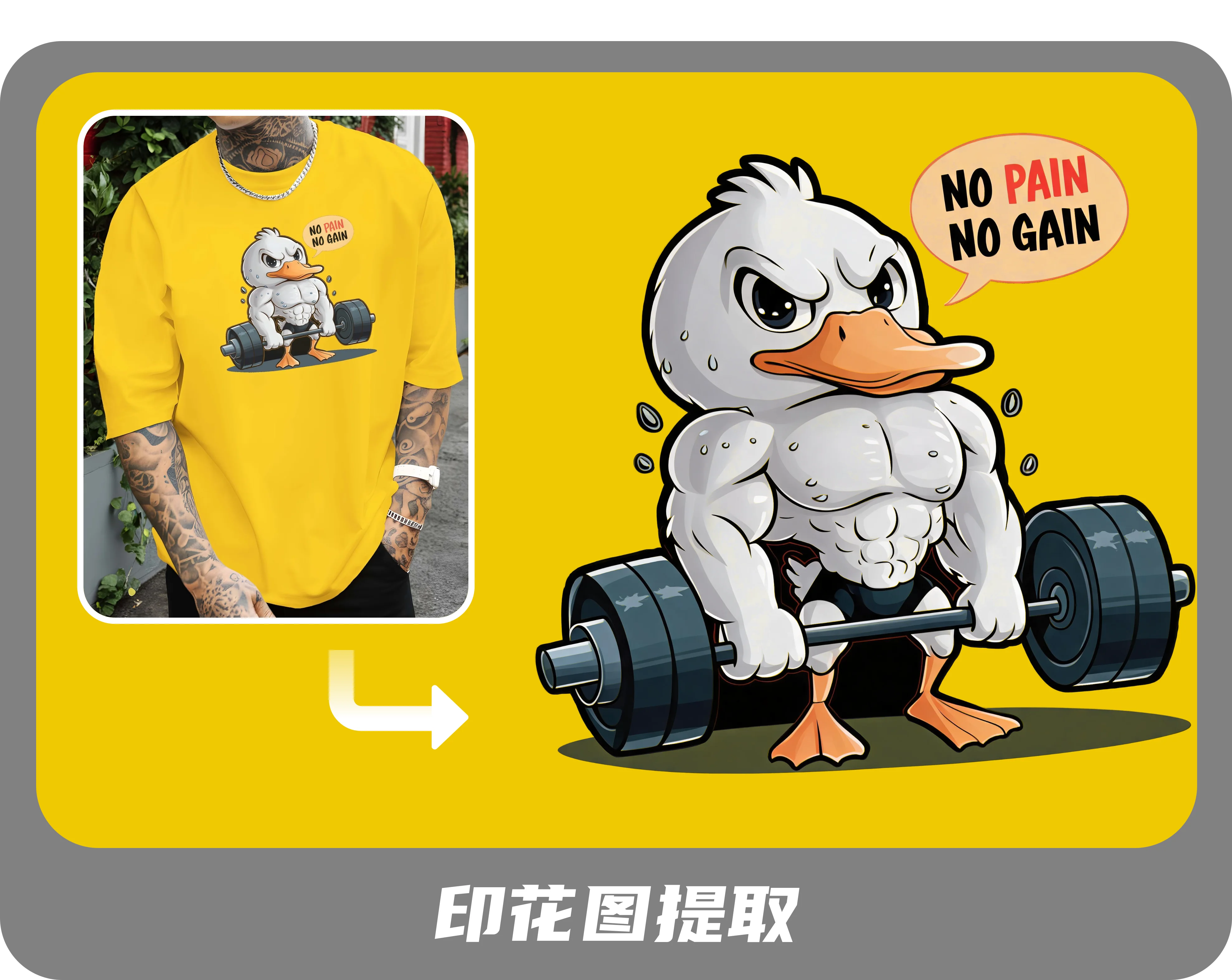
Print extraction
Extract print designs from sold products and send them to manufacturers, connecting design and listing with production.
Questions from e-commerce sellers
How do I create product images and videos with lingswift?
Upload or collect product assets, then choose a creation tool. Generate main images, detail images and lifestyle scenes, or edit product colors, prints and specific areas in existing images. For videos, upload product images or paste a TikTok Shop product link, confirm the product details and creative plan, then generate a promotional short video. Download the results for product displays and content publishing.
How can I use a popular video as a reference for my own content?
Import a reference video into Reference-based Creation to analyze its shots and creative approach, then adjust the plan using your own product assets to generate a video suited to your product.
Can I list or publish the generated content directly?
Download images and videos for listings and content publishing. Bulk product listing currently connects to Temu, Amazon and TikTok Shop through Dianxiaomi. Connect the relevant store and complete product details before submitting listings.
Will AI-generated assets affect platform review?
Platforms review products and content against their rules. Keep the product's appearance, specifications and selling points consistent with the actual product so generated assets represent it accurately.
How are credits used, and how much can I generate?
Credit usage depends on the feature, model and task settings. Image quantities and video duration affect the cost, so the same number of credits can produce different amounts of content. Check the estimated usage in the desktop app before submitting, and view actual records under Settings → Credit details afterward.
Why does generation fail, and will I be charged?
Inputs that do not meet model requirements, content restrictions or service errors can cause failures. Image and video tasks are charged for successful outputs; failed outputs are not charged. Successful parts of a batch are still charged. Adjust your assets or settings based on the error and retry. Regenerating a successful result you dislike uses additional credits.
What if I run out of credits?
Paid members can purchase credit add-ons in the desktop app or upgrade their plan. Trial members must become paid members before purchasing add-ons. Check the credit amount and validity before purchase; add-on credits require an active subscription.
Do unused credits carry over indefinitely?
Membership credits are valid for the membership period, currently one month, and unused credits expire at its end. Credit pack credits are valid for one year and require an active membership to use. If your membership expires, unexpired pack credits remain available when you renew.
Can I request a refund for a plan or credit add-on?
Monthly plans and credit add-ons are currently non-refundable. Refund rules for annual plans will be announced when those plans become available.
READY FOR YOUR NEXT LISTING
Sellers are using lingswift to grow their sales
Design products, edit images, create videos and publish listings in one place to help your next product reach customers faster.